wordpress

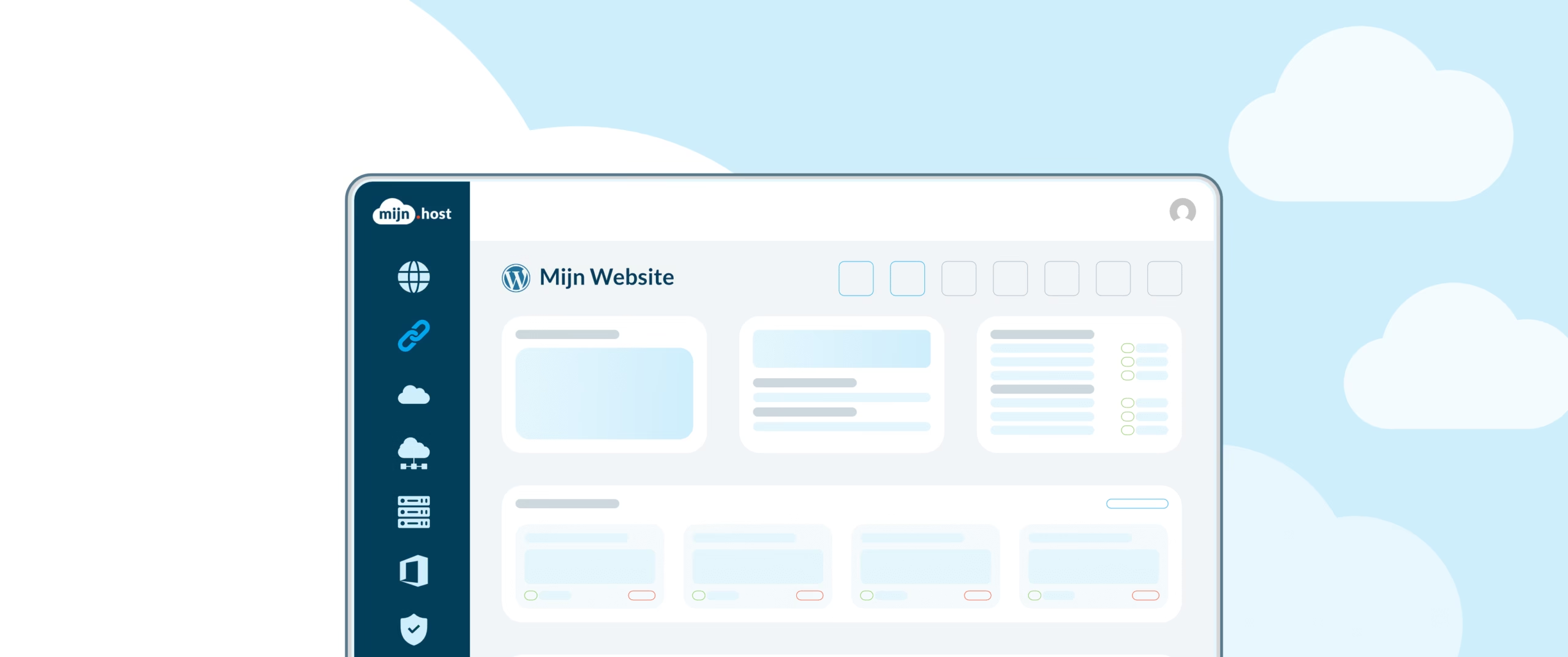
New WordPress Manager Launched
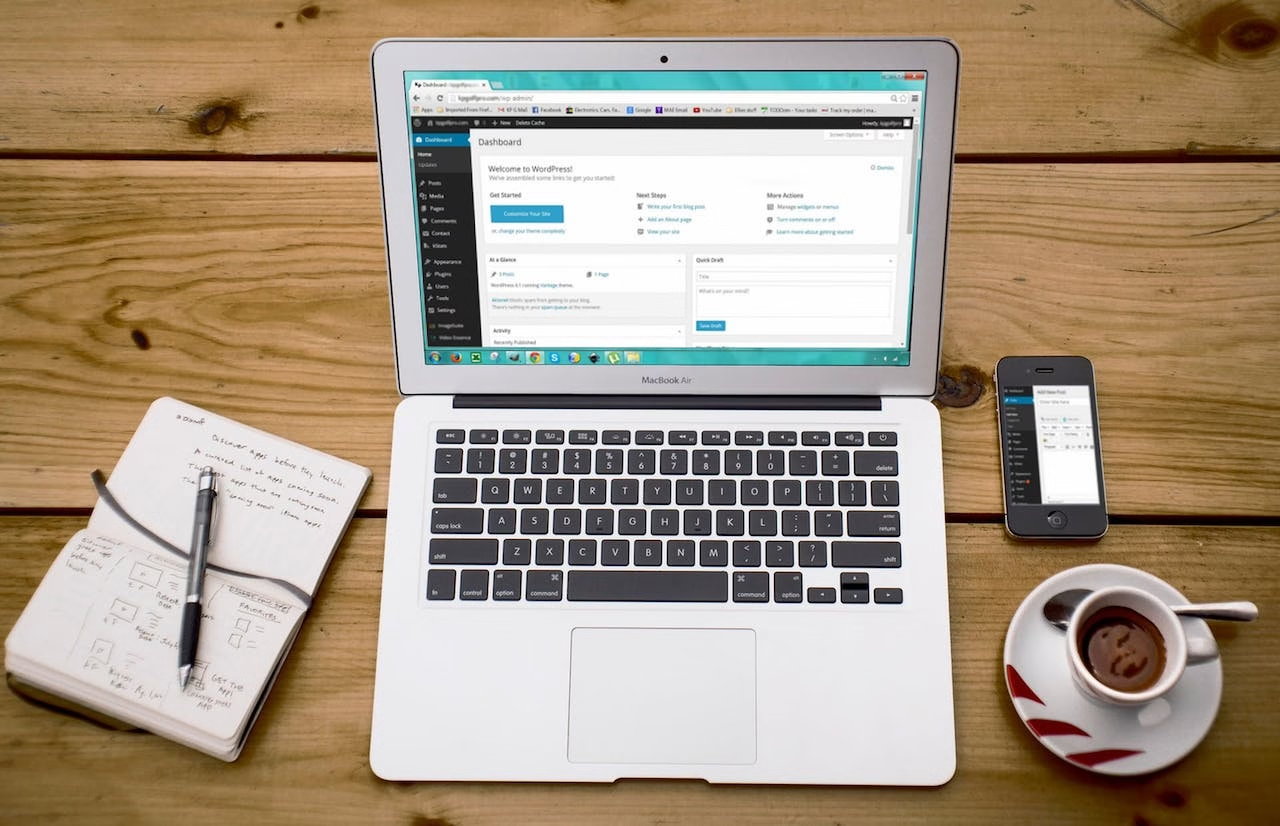
Exciting news for everyone with a WordPress or Website Builder package, we’ve added something new—our own WordPress Manager. This allows you to manage your WordPress installation directly from the control panel.

my.host rated as fastest web host in the Netherlands
In a recent independent speed test comparing multiple hosting providers using various measurement methods, my.host has been awarded as the fastest web host in the Netherlands.

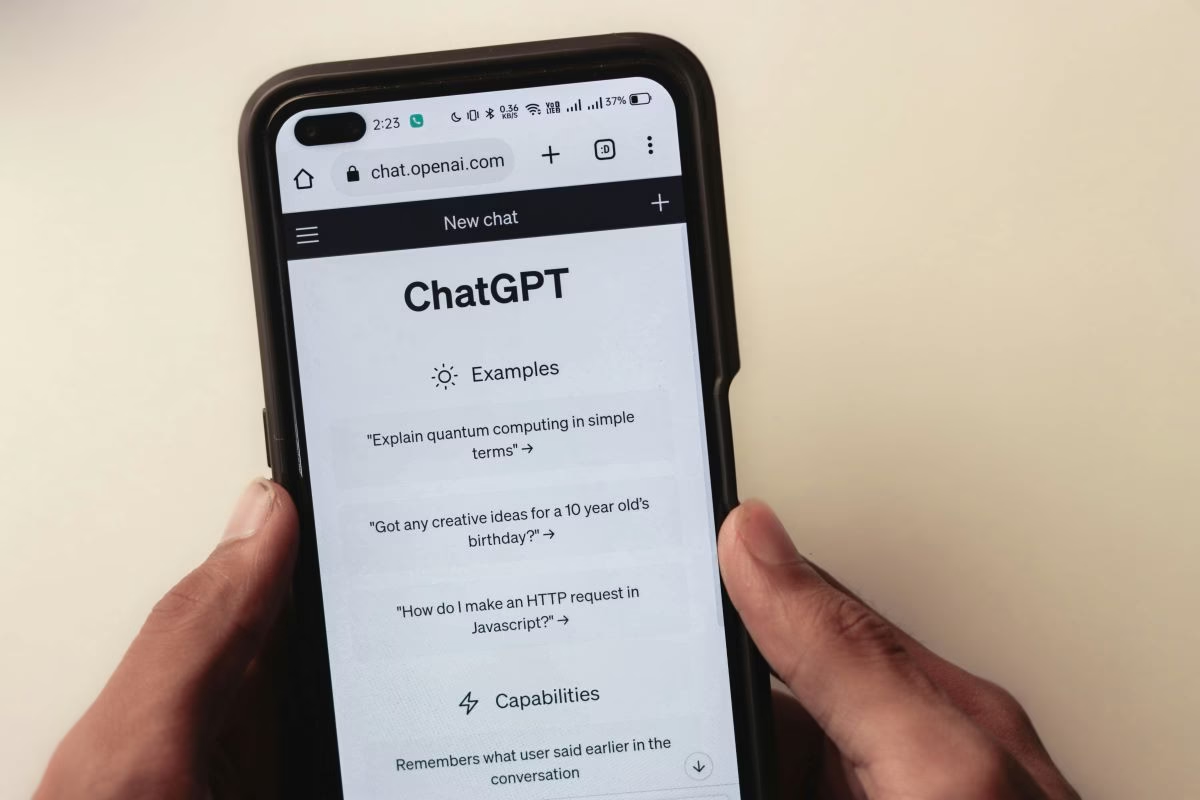
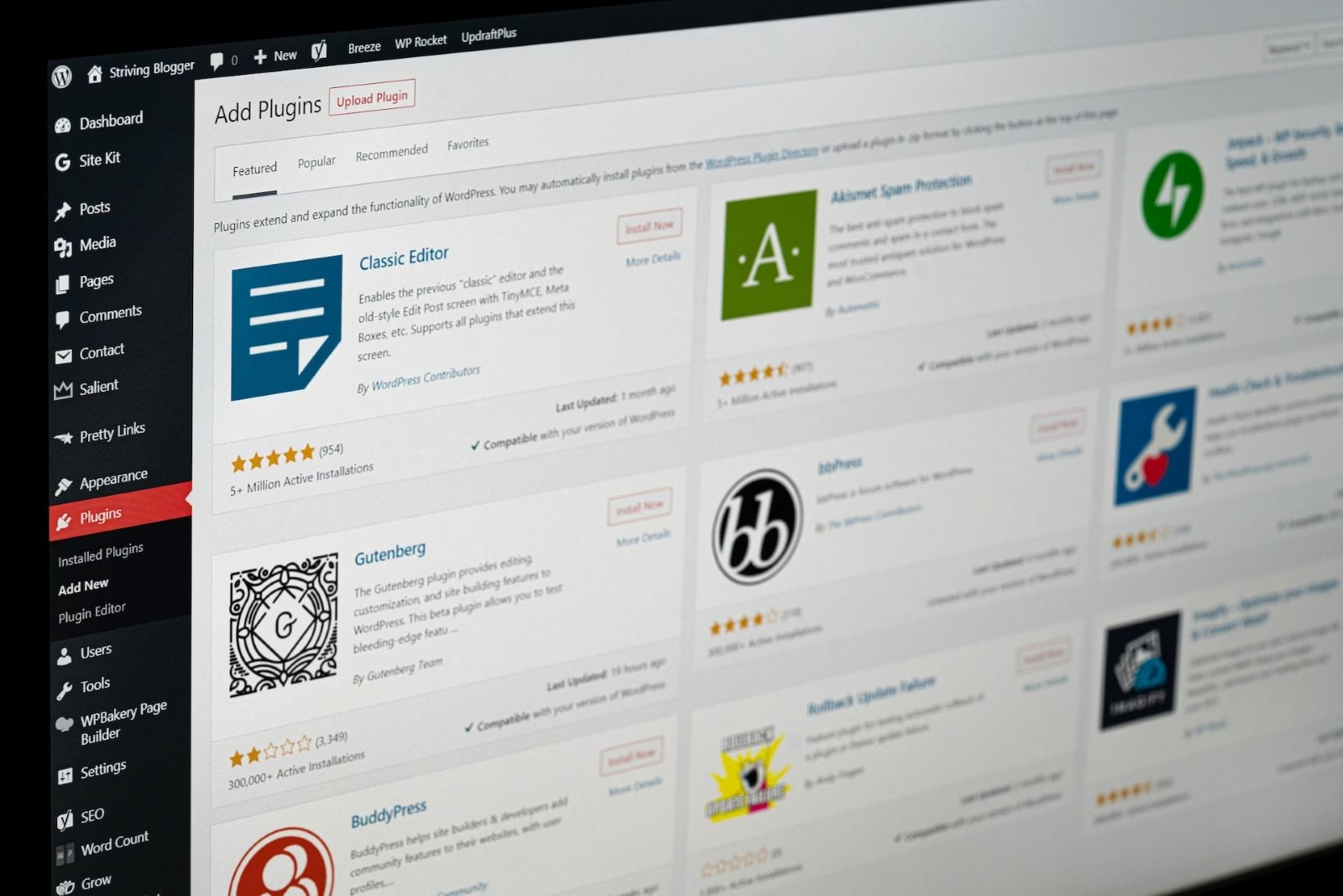
5 ChatGPT Plugins for WordPress
The development of the ChatGPT tool has not gone unnoticed by many. It is a handy chatbot that quickly answers all your questions and assists with executing complex tasks for your education or work. In addition to personal use, ChatGPT is increasingly being used in automated processes. Nowadays, there are also multiple […]

Hosting for WordPress: What to Consider?
We all want our website to load faster. This is important for conversion and also affects your position in the search results, as speed is an important ranking factor for Google. Your hosting provider plays a significant role in your website’s performance. So, it’s important to consider various aspects […]

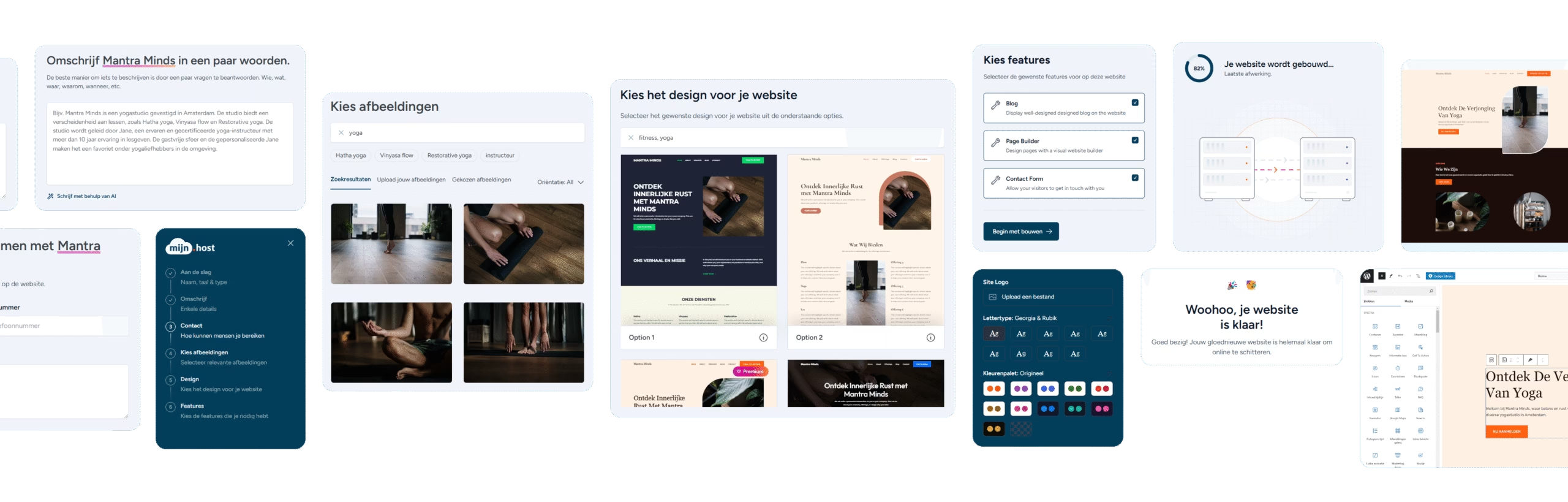
New AI Website Builder Launched
We have launched an AI website builder that runs entirely on WordPress. This tool is the first of its kind in the Netherlands and builds a complete website or webshop in just a few minutes.

Updating WordPress: 10 Tips!
Updating WordPress might sound like something you can easily postpone and do when you have the time and inclination. However, updating your WordPress website is more important than most people think. It helps with additional security and fixes bugs that get resolved. That’s why in this article you’ll read 10 […]
How to Ensure Good WordPress Security
With an increasing online presence worldwide, the darker side of the internet is also rising. The amount of online crime is increasing by the minute, making it increasingly important to pay extra attention to the online security of one’s data, servers, and websites. WordPress remains one of the most popular platforms […]

How to Disable WordPress Comments
Tired of spam in the comments on your blog posts in WordPress? It’s time to disable WordPress comments. How exactly do you do this? We’ll explain step by step below! Why would you want to turn off WordPress comments? Especially bloggers often face the problem that bots or trolls like to post nonsense or […]

What is a Permalink?
A permalink: a term you often encounter when working with WordPress. But what exactly does it mean, how does it affect your SEO, and how do we use it in WordPress? What is a Permalink? A permalink, also known as a permanent link, is the unique URL with which you can access specific webpages […]

What does “Apache is functioning normally” mean?
“Apache is functioning normally” means that the Apache web server is working correctly. If you see this message, it indicates that the Apache web server has been successfully installed and is running without issues. You may also see this message when trying to access a webpage hosted on an Apache web server, but the actual…

Duplicate WordPress Page: Here’s How
Are you looking for an easy way to duplicate a page (or post)? Fortunately, this is very simple. You can do this directly in WordPress using the block editor or via a plugin. In this article, I’ll show you how. Manually Duplicate a Page If you only want to duplicate one post, there’s […]

What Are WooCommerce Shortcodes?
When running your own webshop with WooCommerce, you will undoubtedly encounter ‘WooCommerce shortcodes.’ But what exactly are these shortcodes? How can they help you make your webshop more efficient? In this article, we delve into WooCommerce shortcodes, give you insight into their power, and show you […]