
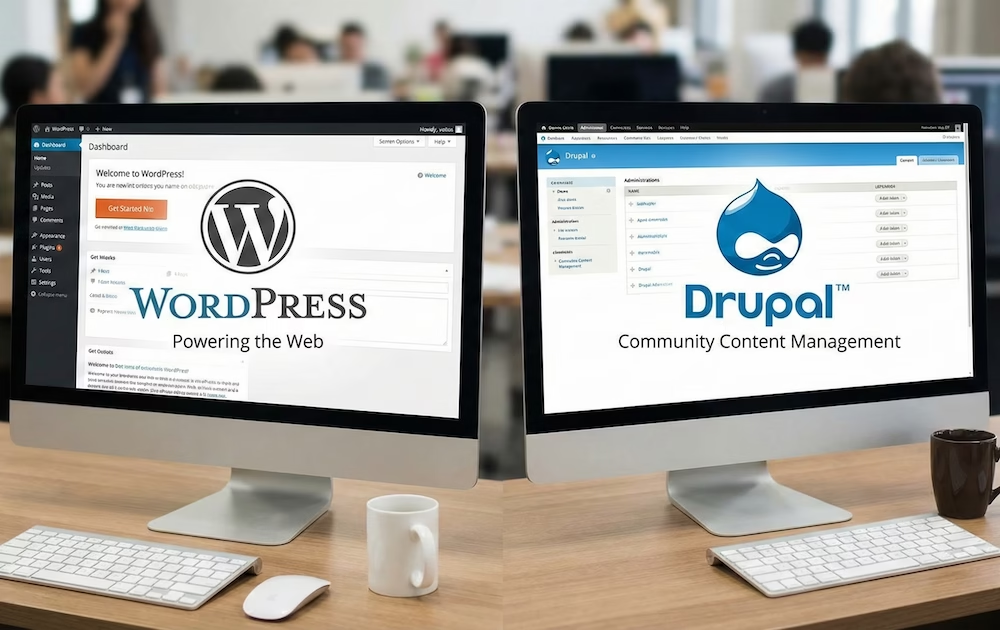

WordPress and Drupal are both open source Content Management Systems (CMS).
WordPress began in 2003 as a platform for blogs. Although the initial focus was on user-friendliness and democratizing content publication, nowadays the target audience includes individuals, SMEs, and large media companies. In other words: just about everyone.
Drupal was launched in 2001 as a discussion forum. Its architecture has been modular from the start. It primarily targets developers and organizations with complex data needs.
The key question now is: which of these two platforms is most suitable for your website project? This article provides you with the answer to this question.
Market Share and Popularity
WordPress currently powers 42.8% of all websites on the internet, according to recent data from W3Techs. This makes it by a wide margin the most used CMS in the world.

Drupal has a global market share of approximately 1%. Among this lower percentage, the system is strongly represented in specific sectors. For instance, it is widely used by universities and government agencies.
In the Benelux, WordPress is the standard choice for small and medium-sized enterprises. Drupal is often used here for large portals and enterprise solutions. The choice in this region often depends on the complexity of the required integrations.
A large market share has enormous consequences for the attractiveness of a CMS. There is more documentation (both knowledge bases, blogs, and YouTube videos) available, making it much easier to get a site up and running and to maintain. Bugs and security vulnerabilities are spotted faster by the huge community.
In the long term, WordPress provides much more assurance regarding support and development.
Winner: WordPress
Usability and Learning Curve
WordPress is known for its “1-click” installations. The dashboard interface is also suitable for complete beginners: new users can start publishing content and customizing the design without any technical training or knowledge.
Content management is done via the Gutenberg editor. This editor works with a modular block system for text, images, and widgets. Editors can immediately see how the content will look live on the site while writing.
Installing themes and plugins is done via a built-in search function. Updates for the WordPress core and extensions can be executed with one click (or even set to automatic). This lowers the threshold for technical maintenance for the average administrator.
Content management in Drupal feels a bit more abstract. Installation is often done via the command line with tools like Composer. The interface is plainly and functionally designed for system administrators and developers.
In Drupal, content is structured via Content Types and taxonomies. Editors fill in specific fields that are separated from the layout. This enforces a consistent data structure but limits the visual freedom per page.
For administrative tasks in Drupal, you need an understanding of permissions and hooks. Configuring Views (lists of content) requires logical insight into databases. The system is less forgiving for incorrect settings by beginners.
A beginner administrator can manage a simple website in WordPress within a few hours. In Drupal, it often takes a few weeks to understand the structure.
Winner: WordPress
Flexibility and Extension Options
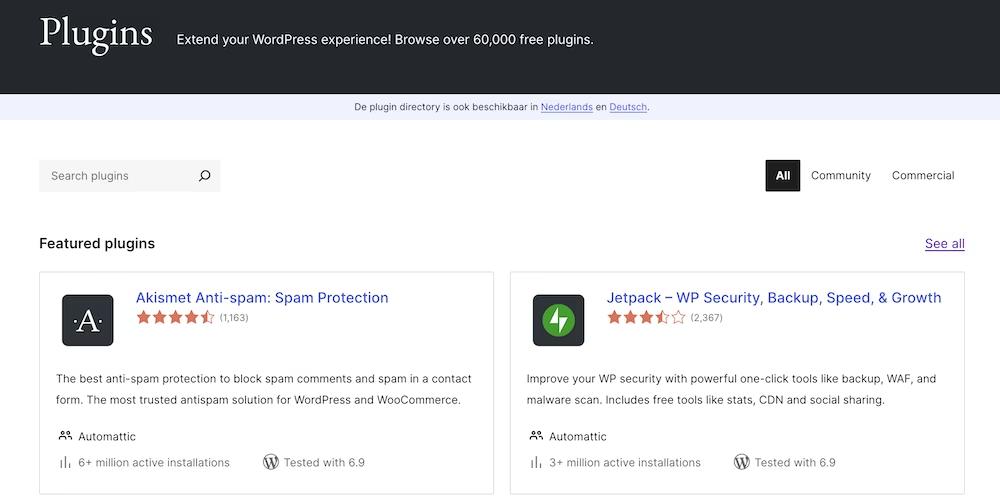
The WordPress ecosystem contains more than 60,000 free plug-ins in the official repository. Additionally, thousands of commercial themes and extensions are available via external marketplaces like Envato. This allows users to add complex functionality to their site without programming.
WordPress uses an event-driven architecture with hooks and filters. Developers can adjust the standard functionality of the core with these. The focus is on a plug-and-play approach for quick implementations.
In WordPress, customization is often largely dependent on specific plugins. This phenomenon is called plugin bloating. When you overdo it with the number of plugins you use (I advise you to think very carefully about every plugin you install), it can lead to conflicting code that can damage (parts of) your site.
Drupal is technically structured as a Content Management Framework (CMF). The system is based on components of the Symfony PHP framework. This offers a standardized way for building complex application logic.
Drupal excels in the field of native support for custom entities and fields. Developers build data structures by directly linking fields to content types. The core Views module provides the ability to visually build complex database queries.
Drupal modules are generally building blocks that work together within a fixed architecture. Instead of an out-of-the-box solution, modules often provide the API hooks for further development. This reduces the need for heavy third-party plugins that can pollute the database.
Customization in Drupal is more often resolved within the core architecture configuration. This keeps the codebase more manageable in large-scale systems with unique requirements.
Winner: Drupal
Security and Vulnerabilities
The security architecture of Drupal is designed with enterprise standards in mind. The system uses a strict database abstraction layer that minimizes SQL injections. Additionally, Drupal applies aggressive output filtering to prevent Cross-Site Scripting (XSS).
There is an official Drupal Security Team that publishes updates weekly. This team follows a standardized process for reporting and patching vulnerabilities. Due to this robust approach, many governments and financial institutions choose Drupal.
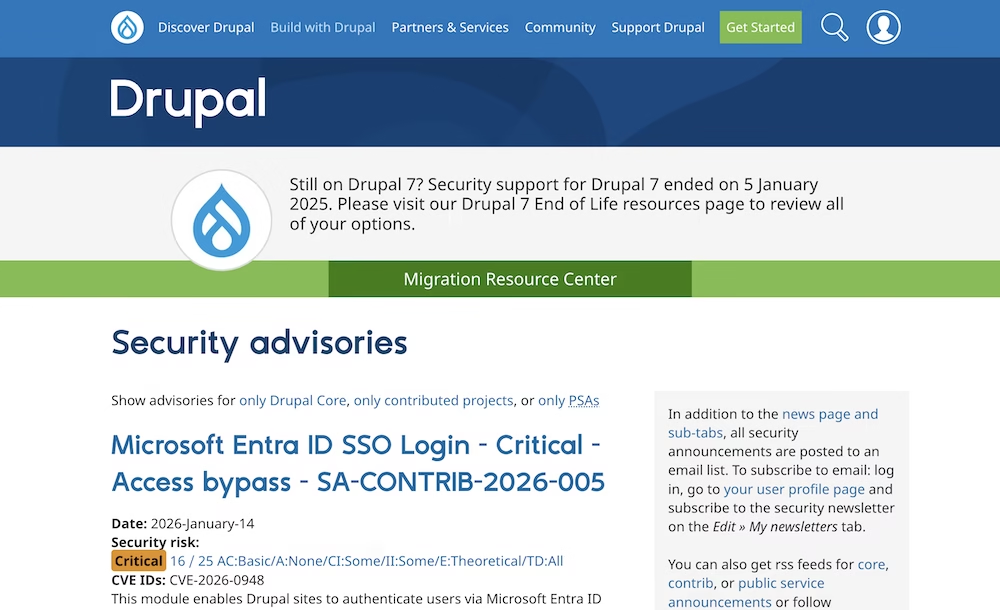
In Drupal, vulnerabilities in contributed modules are also actively monitored by the security team. Only modules that meet strict code requirements receive the official security badge. This provides users with more assurance about the safety of the extensions they use.
WordPress is the most attacked CMS in the world due to its market share. Attackers often use automated scripts to scan for known vulnerabilities. However, the WordPress core itself is very secure and has an effective auto-update mechanism.
The biggest security risks in WordPress lie in third-party extensions: more than 90% of WordPress hacks are related to plugins or themes. Many free plugins are not maintained regularly, leaving old vulnerabilities open.
Often, WordPress users themselves are responsible for a hacked site: they failed to keep their site’s software up-to-date.
At a provider like my.host, you can set up automatic updates with every hosting package to keep your site secure. Additionally, my.host invests heavily in a secure host environment.
Quick patching is essential in both systems to maintain data integrity. Drupal often requires a technical workflow via Composer for applying patches. WordPress users can perform updates directly from the dashboard without a developer (or set them automatically).
Winner: Drupal
Performance and Scalability
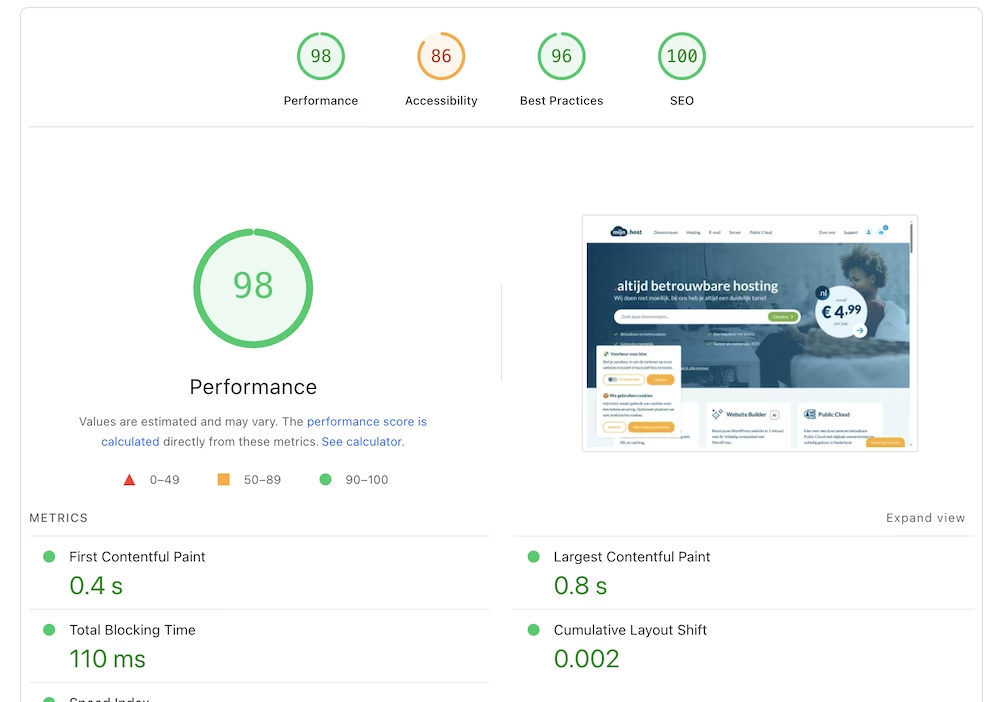
A standard WordPress site has low overhead and performs very well on shared hosting.
The performance of WordPress often decreases when using many plugins. Each plugin can load additional PHP scripts, database queries, and CSS/JS files. Minimizing HTTP requests and database calls is the biggest challenge here.
You can speed up a WordPress website using a plugin like LiteSpeed Cache. Object caching via Redis or Memcached is often necessary for larger installations. Without these active optimizations, WordPress is less suitable for extremely high visitor numbers.
All in all, you can make a WordPress site exceptionally fast in most cases.
Drupal is naturally heavier on server resources due to its extensive core architecture. However, the system uses a more normalized database structure. This ensures more efficient queries for websites with complex data relationships and many pages.
Drupal has an advanced built-in caching system. The Cache API and the BigPipe module allow page components to be loaded asynchronously. This enables personalized elements to be displayed without bypassing the entire page cache.
Drupal’s scalability has been demonstrated in enterprise projects with millions of unique nodes. The system handles concurrent requests more efficiently during high traffic peaks. The load on CPU and memory is often more consistent per request than with WordPress.
Winner: Drupal
SEO and Discoverability
The WordPress core is standard optimized for search engines. Plugins like Rank Math Yoast SEO offer extensive control over technical SEO aspects. Things like managing permalinks and sitemaps are embedded in the WordPress core.

Drupal generates technically clean code that is easily readable by crawlers. Modules like the Drupal SEO Checklist assist in configuring the settings. Drupal offers more control over the output of metadata in complex data types.
Both platforms support redirects and canonical URLs. The choice for SEO performance depends more on configuration than on software choice. A well-configured Drupal site performs the same as a WordPress site – but WordPress makes SEO significantly easier for beginners.
Winner: WordPress
Multilingualism and Multisite Management
Drupal has multilingualism as a native feature built into the core. This makes the management of translations efficient and stable. The system takes into account different language structures without additional software.
WordPress requires plugins like WPML or Polylang for multilingual websites. By definition, this is a more complex and less elegant solution.
Both systems offer multisite capabilities. This allows multiple domains to be managed from a single installation. Drupal often provides more advanced options for shared user roles.
Winner: Drupal
Costs and Development
The software of both systems is free to download and use. Costs arise from licenses for premium themes and commercial extensions. For WordPress, these costs are often lower upfront for standard projects.
The hourly rates for Drupal developers are generally higher. There are fewer specialists available in the market compared to WordPress. This scarcity drives up prices.
The maintenance of WordPress is generally easier to perform. Major version updates in Drupal can be technically challenging. In the long run, Drupal often has a higher cost for small projects than WordPress.
Winner: WordPress
Conclusion
WordPress is the best choice for projects with a quick time-to-market. It is suitable for blogs, corporate websites, and online stores with a standard setup. Ease of use for the editor is an important core point.
Drupal is technically superior for complex information architectures. It is often a smarter choice when strict security and scalability are important. It is a platform for developers who desire full control over data output.
But the bottom line is that for most people and projects WordPress is the better choice.
Frequently Asked Questions
Can I use WordPress or Drupal as a headless CMS?
Both systems support a decoupled or headless architecture via APIs. WordPress utilizes the built-in REST API or the WPGraphQL plugin. Drupal offers standard support for JSON:API and RESTful Web Services.
Which platform is most suitable for ecommerce?
WooCommerce is the most used solution for online stores within WordPress. Drupal Commerce is an alternative for complex, transactional ecommerce environments. WordPress is quicker to implement for standard online shops.
Do WordPress and Drupal meet international accessibility standards (WCAG)?
Drupal considers accessibility a strict requirement for core software development. The accessibility of WordPress sites greatly depends on the theme used. Both systems require manual configuration to fully comply with WCAG 2.2.
How does the quality of the available documentation differ?
WordPress has a large amount of informal guides and video tutorials. Drupal’s documentation is very technically detailed but often more complex. Finding answers to questions is faster with WordPress.


Leave a Reply