
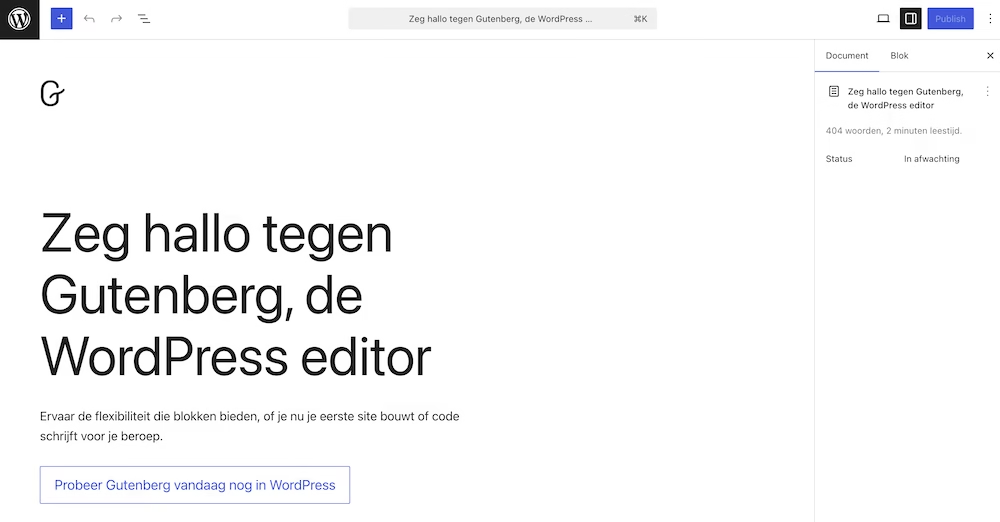

Recently, I worked at the office of a client who manages one of the largest blogs in the Netherlands. We are talking about millions of monthly visitors. But what surprised me when I took a look at their WordPress backend: the (external) developer of this site had chosen the Classic Editor.
It illustrates a big problem. Although the Classic Editor feels familiar to many, you cling to a relic from the past. And both you and your clients experience (perhaps unconsciously) significant problems as a result.
The Classic Editor is still surprisingly popular
The choice for the Classic Editor is more widespread than you might think. This despite the fact that the Block Editor has been the standard since WordPress 5.0 in 2018 (7 years now roughly).
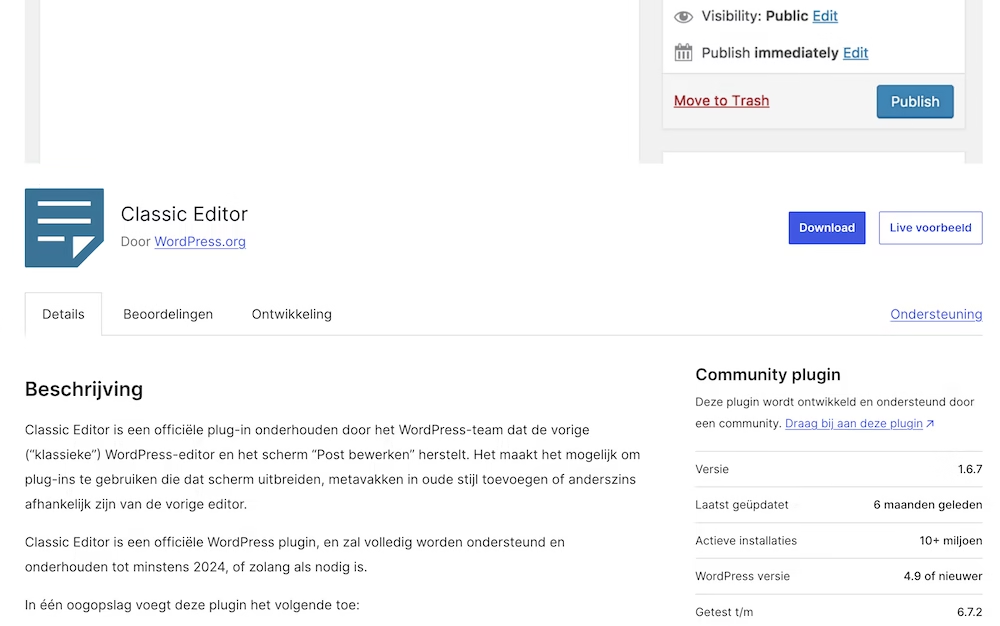
How widespread is its use still? The official Classic Editor plugin has more than 10 million active installations at the time of writing. That makes it one of the most widely used plugins in the entire WordPress ecosystem.
The reasons are often the same:
- Familiarity and comfort with existing workflows
- Fear of the learning curve of the Block Editor
- Compatibility issues with older themes or page builders
- “It works perfectly fine as it is”
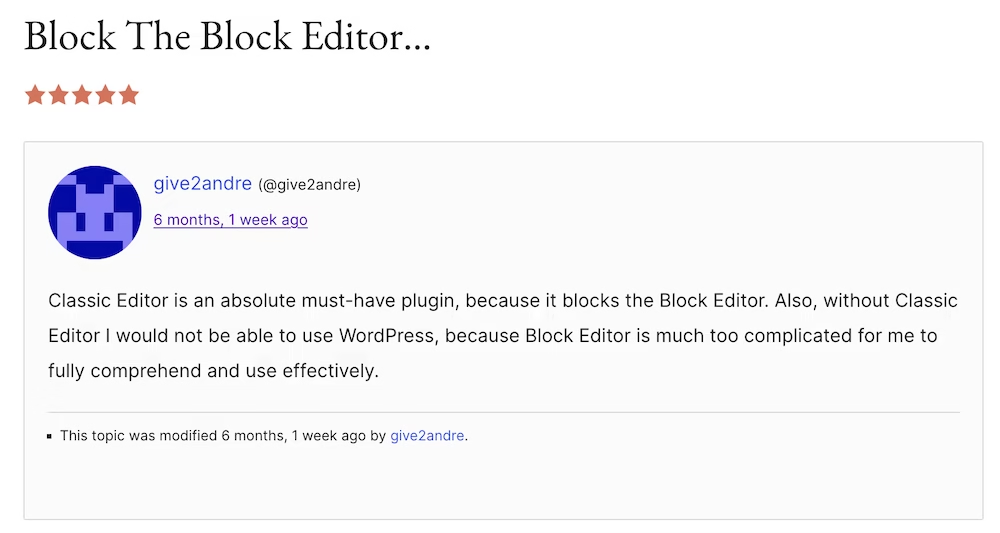
Simply put: humans just don’t like change. However, resisting this change comes at a substantial cost.
The disadvantages of the Classic Editor
Using the Classic Editor is not just a matter of taste. It brings tangible disadvantages for both developers and their clients.
For the developer
Limited creativity and dependence on shortcodes
Complex layouts require a tangled mess of shortcodes and custom fields in a single textarea. Try creating a three-column layout with different content types. You end up with something like:
Copy code[row]
[column width=”4″]Text here[/column]
[column width=”4″][image id=”123″][/column]
[column width=”4″][button link=”#” text=”Click here”][/button][/column]
[/row]
That’s not only ugly – it’s also maintenance-sensitive.
The alternative to shortcodes is not much better
You can piece together a custom solution with custom fields and meta boxes. But then you’re essentially building your own mini-CMS within WordPress. This is totally not scalable.
Shortcodes can break and are difficult to debug
Especially for clients who are not technically inclined. A misplaced hook or forgotten closing tag and your layout falls apart.
Not future-proof
You’re building on a foundation that is actively being phased out. New WordPress features will not be focused on the Classic Editor. You are investing time in a dead-end path.
For the client
Poor User Experience
Clients need to understand abstract codes instead of being able to work visually. Imagine explaining to a client how [column width="8"] works. While with the Block Editor you can simply drag columns.
Less autonomy
For the smallest visual adjustment, the client depends on the developer. Want to change a button from blue to green? Call the developer.
Time-consuming
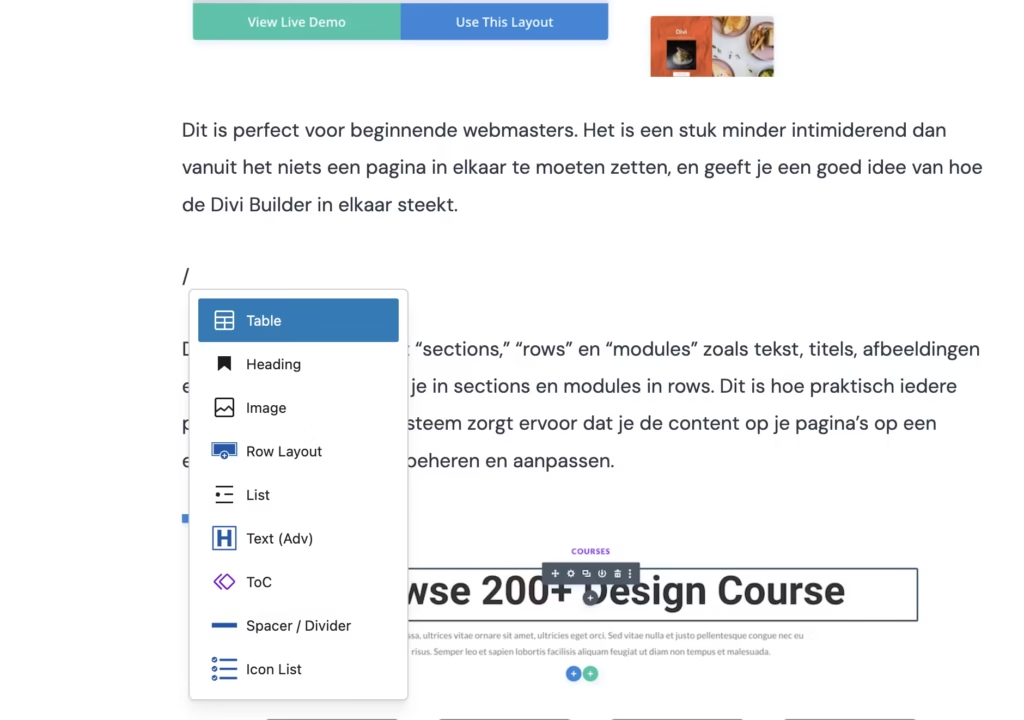
Putting together complex blog articles, for example, is incredibly time-consuming. Think of placing a table between two text paragraphs. That easily takes 10 times longer with the Classic Editor than with Gutenberg (first splitting the text block into two separate text blocks, then inserting the table, etc.). In the long run, your team wastes countless unnecessary hours on this.
The “Word experience”
The Classic Editor gives too much freedom in the wrong places. Clients can experiment with text colors, fonts, and other formatting that doesn’t fit your design. The end result: inconsistency and messy websites.
Seeing the Block Editor as a framework
Here, I think, lies the misunderstanding: the Block Editor is not an “editor” – it is a component-based framework. Similar to how you would think in React or Vue.
Reusable Blocks & Block Patterns
Create sections like a “call-to-action” or “team member profile” once as a pattern and let the client insert them with one click. This guarantees consistency and greatly speeds up the content process.
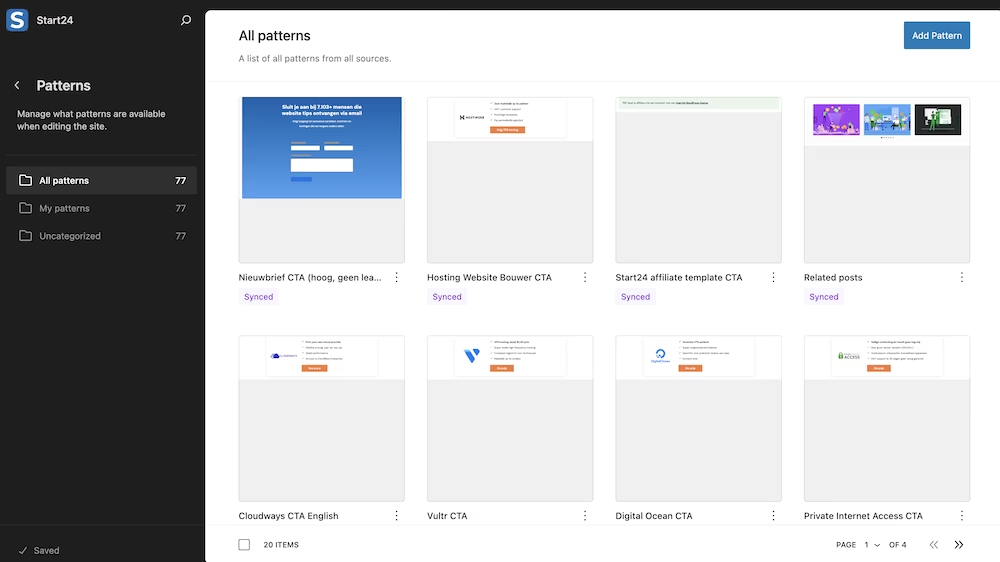
The client can also easily adjust the layout of these types of blocks without breaking the entire structure.
Custom Blocks
Create your own fully customized blocks with specific functionality. This is the modern replacement for shortcodes and widgets, but with a user-friendly interface.
Full Site Editing (FSE)
The Block Editor is the gateway to FSE. This means everything – header, footer, 404-page – now consists of blocks. You gain super precise control over the entire site structure in a way that was previously unthinkable without complex workarounds.
The future of WordPress is block-based
The movement towards the Block Editor is not a trend. It has been the standard for 7 years now and has become an irreversible path that the WordPress ecosystem follows. It is only a matter of time before the Classic Editor plugin will no longer be supported by the core WordPress team.
The Gutenberg Roadmap
The Gutenberg project consists of four phases:
- Easier Editing – Largely completed
- Customization (Full Site Editing) – Largely completed
- Collaboration – Currently in development
- Multilingual – Future phase
All new phases build on the block architecture.
The ecosystem is moving along
Look at the explosive growth of block-based themes like Kadence (which I use for all my own websites) and GeneratePress. Block-specific plugins are popping up like mushrooms. The market and community are all moving in the same direction.
Why you should switch as a developer now
The Classic Editor creates technical debt and delivers an inferior product for the client. The Block Editor offers a superior, efficient, and future-proof workflow.
Start your next project fully block-based. Yes, there is a learning curve. But that investment quickly pays off in efficiency and client satisfaction.
Try recreating an existing page or blog post using a block-based theme like Kadence for fun. I bet you’ll be able to do it surprisingly quickly.
Learning the Block Editor is not a burden – it is a necessary investment in your relevance and market value as a WordPress developer.



Leave a Reply