
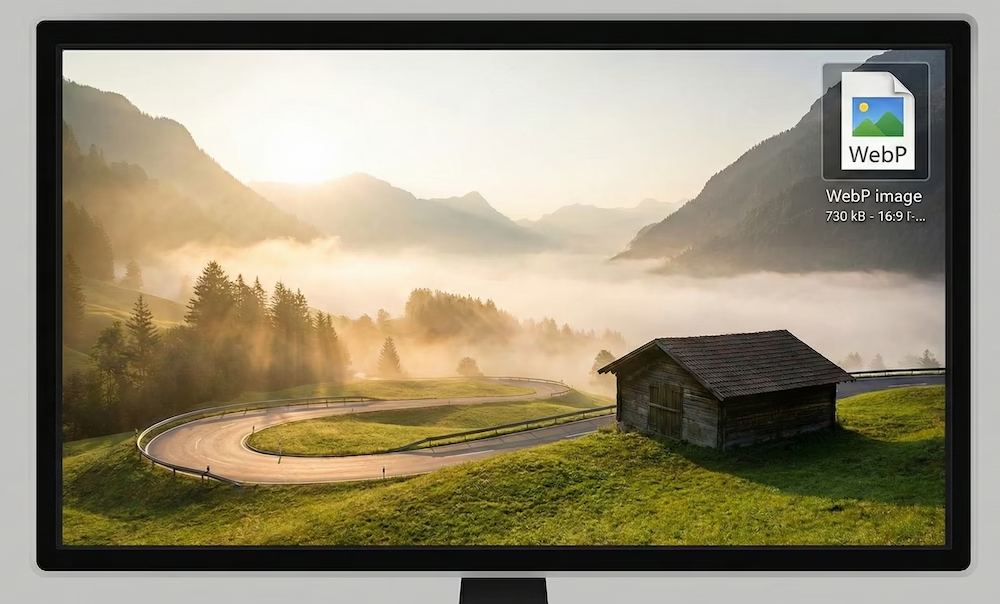

WebP is a (relatively) modern file format for images on the internet. Google introduced it in 2010. The goal was to offer a more efficient alternative to existing formats like PNG and JPEG.
The main objective of WebP is to increase the loading speed of websites. This is achieved by compressing images more strongly without significant loss of quality. This reduces the bandwidth usage of sites.
The technical foundation of WebP lies in the VP8 video codec. This technology was originally developed by On2 Technologies. Google acquired this company and used the technology as the foundation for this image format.
How it technically works: lossy and lossless compression
WebP supports both lossy and lossless compression. With lossy compression, data is permanently removed to make the file smaller. This is done through predictive coding.
The technology predicts the values of pixels based on adjacent blocks. Only the difference between the prediction and the reality is stored. This process is more efficient than the methods of older formats.
Lossless compression retains all original pixel data. This is necessary for images where graphic precision is of great importance. WebP’s compression algorithms are more advanced than those of PNG.
The format supports transparency through an alpha channel. This works for both lossy and lossless files. Additionally, WebP offers support for animations. It is therefore also an alternative to the GIF format.
Comparison with traditional formats (JPEG and PNG)
WebP performs technically better than JPEG at comparable visual quality. Research by Google shows that WebP files are on average 25% to 34% smaller than JPEG files.
Compared to lossless PNG files, WebP is on average 26% smaller. The savings are significant for images with a lot of detail. This has a direct impact on the total page size of a website.
At an equal file size, WebP often delivers a sharper image than JPEG. There are fewer compression artifacts visible in areas of uniform color. This makes the format suitable for both photos and graphic illustrations.
Documentation on these comparisons can be found on the official Google Developers page. Here you can find extensive test results and methodologies described.
The impact on SEO and Core Web Vitals
WebP has an indirect influence on search engine ranking. Google uses page speed as a ranking factor. Ceteris paribus, a faster website receives a higher rating in search results.
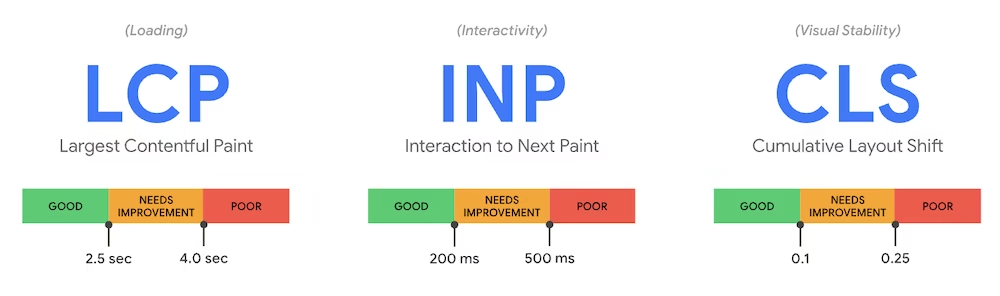
Within the Core Web Vitals, the Largest Contentful Paint (LCP) is an important statistic. It measures how quickly the largest element on a page is loaded. As this is often an image, WebP directly improves this score.
Small files are essential for mobile indexing. Users on mobile networks sometimes have limited download speeds. WebP significantly reduces the loading time on these devices.
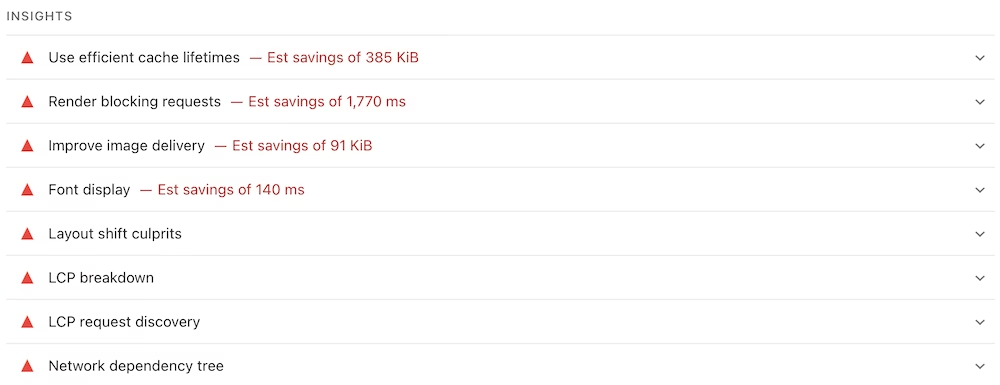
Google promotes the use of modern formats through tools like PageSpeed Insights. The tool specifically indicates when images can be better served in WebP format.
Implementation in your CMS
Since WordPress version 5.8, there is native support for WebP. Users can directly upload WebP files to the media library. The system automatically generates the required formats for display.
Other systems like Magento and Joomla offer similar capabilities via extensions. For older installations, there are plugins available that convert existing libraries. This process can often be automated on the server.
There are server-side scripts that handle the conversion with each request. This prevents the administrator from having to manually adjust files. Content Delivery Networks (CDNs) can also take on this task.
For users of my.host, there is a solution via QUIC.cloud. This service automatically converts PNG and JPEG images to WebP. The integration ensures that the optimal version is displayed to the visitor. You can use this with any hosting package. You can access this via the free LiteSpeed Cache plugin.
Browser support and compatibility
Most modern web browsers fully support WebP. This is true for Google Chrome, Mozilla Firefox, Microsoft Edge, and Apple Safari. Support in Safari was added in 2020.
Outdated browsers like Internet Explorer do not recognize the format. Older versions of operating systems can also cause display problems. For these cases, a fallback mechanism is needed.
Developers often use the HTML5 <picture> tag. This allows the browser to choose between a WebP file and a traditional format. If WebP is not supported, the browser automatically loads the JPEG or PNG variant.
Image editing software now has broad support. Adobe Photoshop natively supports WebP since version 23.2. Open-source programs like GIMP can also work with WebP files by default.
The current status of browser support can be checked via Can I Use. This database tracks which browser versions are compatible with web technologies.



Leave a Reply