

Let’s get straight to the point…
DNS stands for Domain Name System, an important component of the internet that acts as the internet’s phonebook. When you type a URL like ‘www.example.nl’ in a web browser, it is the DNS that works in the background to translate this readable domain name into a numeric IP address that computers and network equipment use to communicate with each other.
Still following? No problem…we’ll explain it further in this article!
What exactly is DNS?
DNS stands for Domain Name System, and acts as the phonebook of the internet. It converts domain names you type into your browser into IP addresses that computers can read, allowing you to easily find and search for information online.
The process of translating a typed URL into an IP address begins when your request is sent by your computer to a DNS server.
This server then looks for the matching IP addresses associated with the domain name you entered. Once the correct address is found, your internet request is forwarded to the website’s server, which then sends the requested pages back to your browser.
Thanks to DNS servers navigating the internet is easy and intuitive, allowing you access to millions of websites without having to memorize the associated IP addresses.
Imagine how the internet would work without these DNS servers…
The choice of a DNS server can impact both your internet speed and privacy. Larger internet service providers have their own DNS servers, but you can also opt for alternative DNS services that sometimes offer faster or more secure connections.

How does DNS work?
DNS is thus the system that converts domain names into IP addresses, allowing your browser to navigate to the correct website. Let’s explore how this works in practice…
Looking up domain names
When you enter a domain name like ‘my.host’, a process called DNS resolution begins. Your computer first performs a lookup on a DNS server.
This server searches its database for the associated IP addresses.
Each IP address corresponds to a specific server on the internet. Once found, your device uses this IP address to connect to the right web server and loads the website.
Caching
Caching is a very important (and often forgotten) part contributing to the speed of DNS resolution. DNS servers temporarily store the results of domain name lookups, meaning if the same name is requested in quick succession, the information is more quickly available.
This ensures faster loading times for returning users as the IP address lookup is skipped.
DNS records explained
DNS servers use different types of DNS records to determine how domain names should be translated to IP addresses. Some important types include:
- A records: links a domain name to an IPv4 address.
- AAAA records: connects a domain name with an IPv6 address.
- CNAME records: indicates that a domain name is an alias for another canonical name.
- MX records: determines the mail server responsible for receiving email messages on a domain name.
Each type is a so-called resource record in the DNS settings and plays a specific role in the functioning of the internet.

DNS security
Did you know that DNS plays a significant role in the security and privacy of your daily internet activities while also posing a risk?
Phishing and malware are serious threats that often exploit vulnerabilities in DNS. A common risk is DNS spoofing, where malicious actors use false DNS information to lure you to harmful websites.
The result is a so-called man-in-the-middle attack, in which attackers position themselves between you and the desired website to intercept your private data.
Of course, there are measures you can take against this. We recommend at least the following options:
- Use a secure DNS server: check if your server has set up additional protection against known malicious sites.
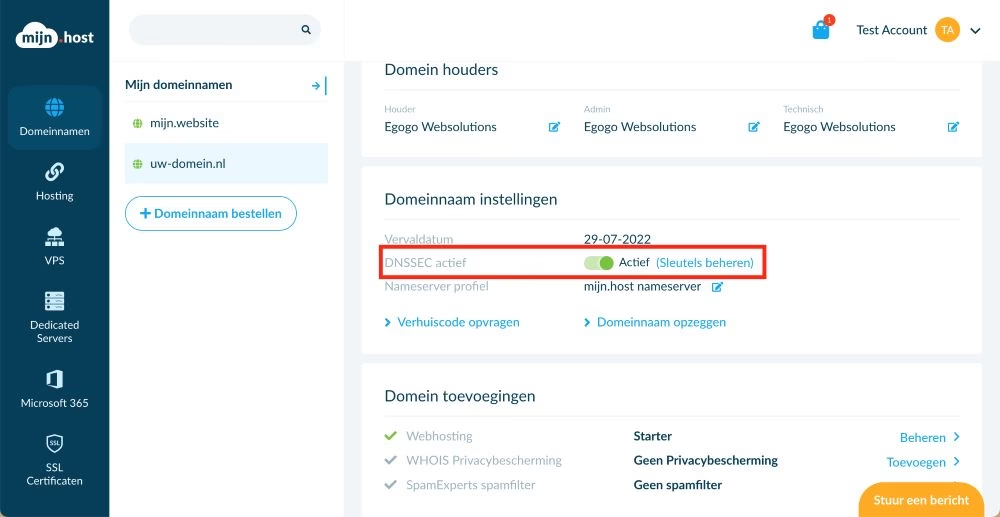
- DNSSEC: This DNS extension ensures the authenticity and integrity of the exchanged data.
- Encryption: Newer protocols such as DNS-over-HTTPS improve privacy by encrypting DNS requests.
DNS configuration and management
When setting up a domain, it is important that you handle your various DNS settings accurately. A mistake is easily made, but a mistake within your DNS settings quickly results in your website becoming inaccessible or emails not being delivered correctly.
Configuring nameservers
Your first step in DNS configuration is often to set up nameservers.
With nameservers, you determine where the DNS management of your domain name lies. Changing the nameservers of a domain name therefore affects both your website and email traffic.
Depending on your hosting provider or the platform where you registered your domain, you may need to change the nameservers to those of your hosting provider.
With a free DNS service such as that of your internet provider or Google DNS, the configuration is usually simpler, but may also be less flexible. With a premium DNS service, like Cloudflare, OpenDNS, or Quad9, you get more advanced options, such as faster response times and enhanced security.

Advanced DNS features
As mentioned, DNS plays an important role in how the internet works and is much more than just converting domain names to IP addresses. For organizations, advanced features such as load balancing, security, and custom configurations are made possible through various DNS records and settings.
Let’s take a closer look at what this can entail…
DNS for businesses
CNAME and DNAME Records: If you want to set up an alias for your domain, CNAME records are very useful. For example, you can redirect a subdomain.mywebsite.nl to mywebsite.com. DNAME works similarly but at a higher level, redirecting entire subdomains to another domain.
MX and AFSDB Records: For configuring your email infrastructure, MX records are crucial. MX records configure the mail server responsible for receiving emails for your domain. AFSDB records aren’t commonly used, but they support more advanced and specialized services like email storage.
LOC Records: These provide the geographical location data of your server. This is especially useful for local businesses or services that need to deliver geographically-specific data.
Comprehensive security: DNSSEC (Domain Name System Security Extensions) helps you secure the DNS infrastructure by digitally signing responses from nameservers, ensuring source authentication and data integrity. ICANN actively promotes the use of DNSSEC.
DNS is the backbone of the internet
So DNS is more than just setting a few rules in your web hosting environment. DNS is the backbone of the entire internet. Without this technology, you and I would not be able to use the internet so easily. I have no idea what the internet would have looked like then. Certainly much different than it does now.
Domeinnaam bestellen?
Een goede naam zorgt voor een goede website.




Leave a Reply