

This website design guide is a concise overview of what I have learned over the past 10 years about what is involved in effective website design.
The good news: we will not only stick to theory – I will give you concrete design tips that you can apply to your website today.
We will cover how to make text as readable as possible, use colors correctly, make images stand out, and create a good user experience.
1. The importance of good website design
Why is good website design important?
Good website design is super important for the success of your site. A study that investigated why people do not trust websites showed that 94% of the comments were design-related. Only 6% were about the content.
A well-designed website instills trust in your readers and creates a certain atmosphere. Moreover, good design makes it easier for your visitors to absorb the information on your site.
Conversely, poor design leads to users trusting your site less and leaving your pages quicker. Your bounce rate will soar, and your conversion rates will drop.
Principles of good website design
Keep it simple
Simplicity should be the primary goal of website design. As tempting as it is to add all sorts of frills and effects, always think about your user.
Don’t make your users think
When designing your website, it’s up to you to remove all the question marks for your visitors. You can do this by establishing a clear visual hierarchy, logical navigation, and consistency of design elements.
Focus attention on the right things
Use color contrast or size contrast to guide your visitors’ attention to certain parts of your site.
Use lots of white space
Your site is much more pleasant to consume when you place a lot of white space between your design elements and text. White space gives web pages a spacious feeling.
Originality is fine, but don’t go too far
Follow design rules that people are familiar with. Users expect a certain predictability when they visit a site.
2. Text: fonts, size, and readability
Fonts and the impact on your identity
Different fonts unconsciously generate different feelings in people. This has a direct impact on the identity of your brand. If your site is about yoga, you want to evoke a different feeling than with a business blog.
How to choose a font
There are thousands of fonts to choose from. To simplify the choice:
- Align with your brand. A beautiful font is of little use if it doesn’t align with your brand
- Think about your audience. Try to find a balance between your personal taste and who visits your site
- Readability > appearance. Avoid very artistic fonts, no matter how elegant they look
- Versatility. How does the font look in different sizes and weights?
Do you find it difficult to choose a font? Look at Roboto, Lato, or Open Sans. These are neutral, fit many websites, and are free to use.
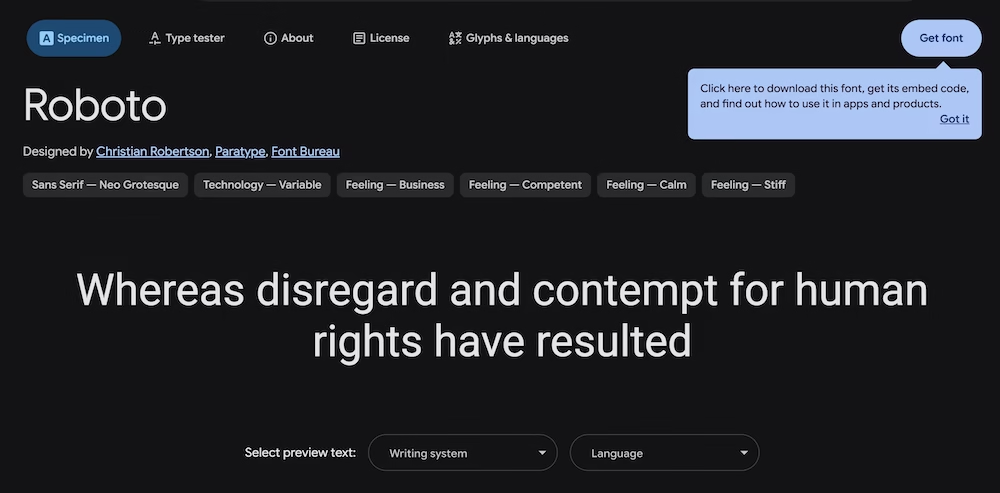
Use a maximum of two different fonts: one for titles and one for regular text. The more fonts you choose, the greater the chance you will disrupt the visual balance of your site.
Font size and scale
I would choose a text size of at least 16px, but preferably 18px. If you go smaller than that, it affects the readability of your site – especially for your older visitors.
Do not choose the size of your text and titles arbitrarily. Ensure that your title, subtitle, and text sizes are modularly proportioned. You can easily do this using this tool.
Text color and line height
For the color of your text, you want to play it safe. Dark gray or dark blue on a white background works best. Pitch black letters are more tiring for the eyes than a shade of gray.
By using enough line height, your text breathes more and is more readable. For a font size of 18px, I would use a minimum line height of 1.8em.
Width of your text column
The width of your text column directly affects readability. Research has shown that the most comfortably readable text is between 480 and 700 pixels wide. If your text column is wider, your eyes have to move too much back and forth.
3. Colors
Color: simplicity and consistency win
Color influences the emotions of your visitors and helps them navigate your site more easily. Research by Adobe and the University of Toronto shows that people prefer simple colors. In many cases, the use of 2 or 3 different colors was found to be the most attractive.
How to create a color palette
A color palette determines the look and feel of your site and ensures visual consistency. You can divide it into three categories:
Accent colors
You use these colors to draw attention, for example, for call-to-actions. It is important that these colors stand out strongly against the rest of your site.

Text colors
Usually, you want to choose a spectrum of gray tones for this. These can be “gray gray,” but can also have a warm or cool tint.
Background colors
Your background colors are usually the lightest colors on your website. Usually white or light gray, but you can also opt for other light colors.
Useful color tools
- Image Color Picker – Upload images and check which colors are used
- Adobe Color Wheel – Design your own color palette in just a few clicks
4. Images
The importance of images
Every website should use images. Besides making your site look more attractive, images can also enhance usability.
People are visual creatures. Your visitors will continue reading your content longer when your text is interspersed with images. This longer reading time sends a positive signal to Google.
Where to find images?
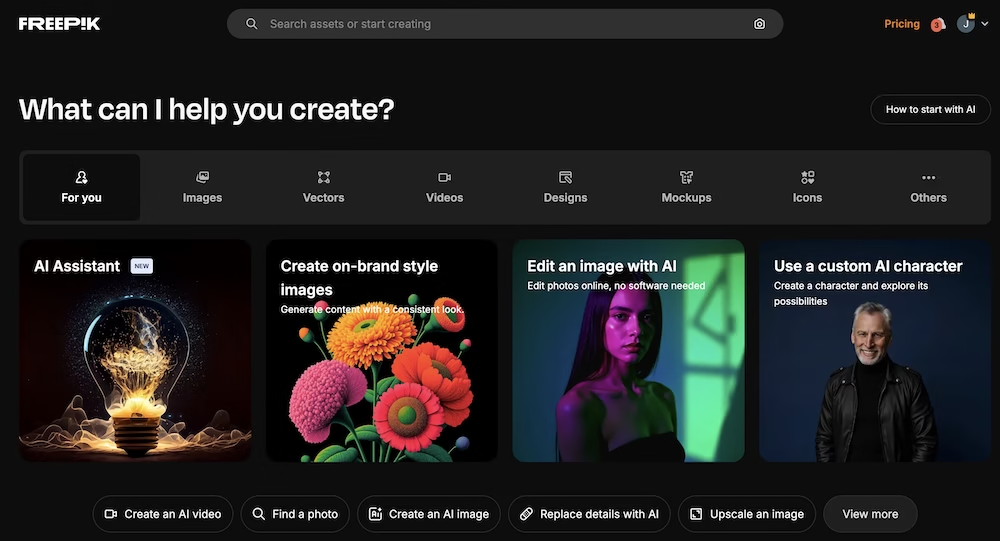
Stock photo websites
The easiest way to obtain images. My favorite sites:
Take your own photos
More time-consuming, but you get 100% original images that truly add value to your website.
Take screen captures
For software tutorials or reviews. This makes your content much more convincing and easier to follow.
Enhance your images with a border
Borders on images, as you see here in this article. This ensures they stand out well against your text, especially for screenshots with a lot of white.
5. User experience (UX)
What is user experience?
User experience refers to how a user experiences a website and interacts with it. A good UX ensures that your user can easily solve the problem they came for.
UX is different from UI (user interface). UX is the overarching experience, UI is about how your website looks and is presented.
Navigation
Menu
A well-structured menu can make or break navigability. Place your menu at the top of your site with your logo on the left. In the middle, place the most important parts of your website.
Homepage
For many websites, the homepage is the most important page. Here you show visitors what you do and why your business is worthwhile.
Important elements:
- Above the fold – Clearly state what you do + call-to-action
- Social proof – Reviews, testimonials or well-known publications
- Detailed explanation – Clearly explain what you have to offer
- Your product/service – Present clearly and effectively
- Recent content – Show that your site is up-to-date
Speed
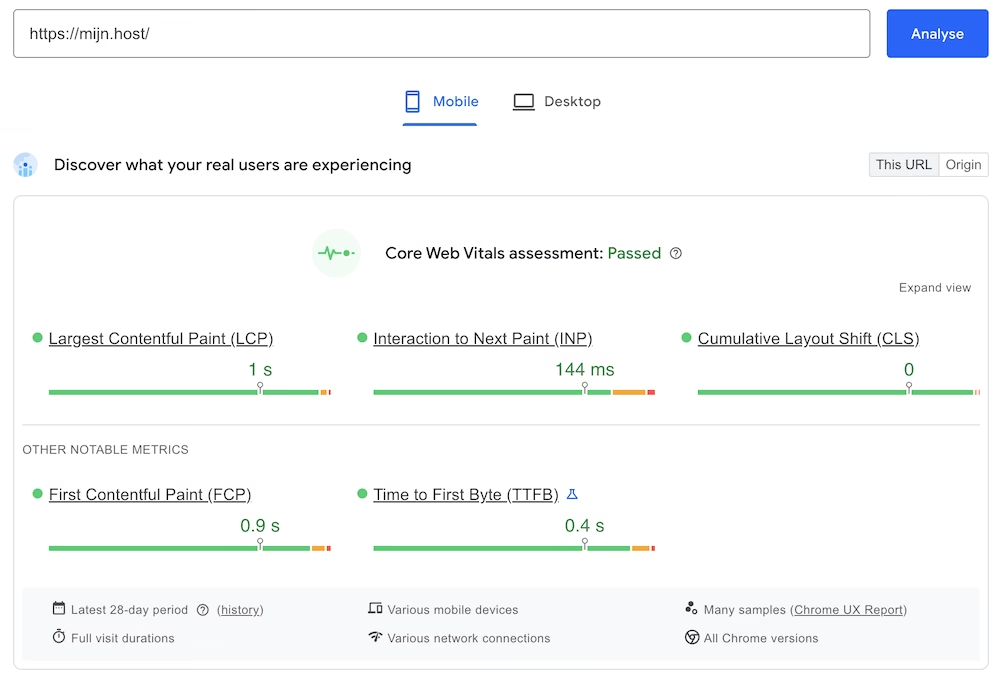
No one likes slow websites. Fast websites convert better and rank higher on Google.
Research shows:
- 0-4 seconds load time leads to the best conversion rates
- Conversion rates decrease by 4.42% per extra second of load time
Biggest impact on WordPress speed:
- Web hosting – Without good hosting, your site remains slow: with a host like my.host your site will always load quickly
- Theme – Choose lightweight themes like Kadence or GeneratePress
- Images – Use WebP format and lazy loading
- Plugins – Install as few plugins as possible
Test your speed with PageSpeed Insights and GTmetrix.
Next steps
Good website design combines all the above elements. Start with the basics – readable text, simple colors, and fast load times. Then gradually add more advanced elements.
The important thing is to start. Every improvement you make, no matter how small, contributes to a better user experience and ultimately more conversions.



Leave a Reply